Your code
In the game, type /modpack and click the link, or type the 6-digit code it shows you here.
1 Which computer do you have?
Not sure? Pick Medium. You can always add another one later.
2 Install the Modrinth App
The Modrinth App is a free Minecraft launcher. It installs and starts the client for you.
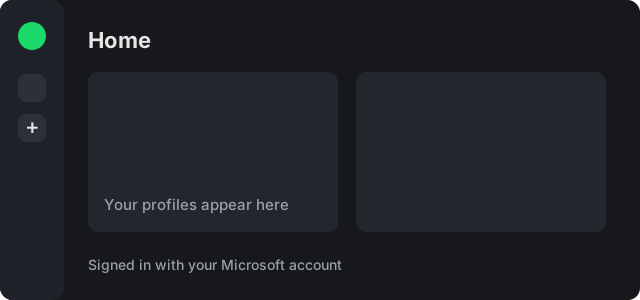
Already have it? Skip to the next step. Open it once and sign in with your Microsoft account (the one you play Minecraft with).
3 Download your client
One file, made just for you. The link works for a few minutes.
4 Double-click the file
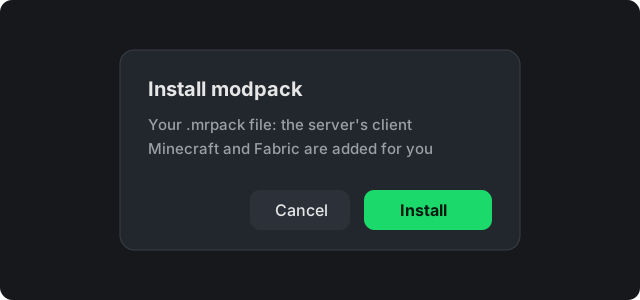
Open the file you just downloaded (it ends in .mrpack). The Modrinth App opens and asks to install it: click Install. It downloads everything it needs by itself.
5 Play
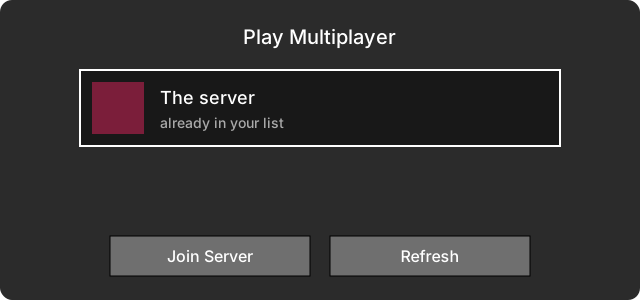
Click Play in the Modrinth App. In Minecraft choose Multiplayer: the server is already in your list. Join, and that's it.
Tip: in game, /view 16 lets you see further while the server runs smoothly.
I'm stuck
The file didn't open in the Modrinth App
Open the Modrinth App, click the + (Create) button, choose Import from file and pick the downloaded .mrpack file.
Minecraft is slow, or the screen goes black
Pick a lower option in step 1 and install that one too (each option is its own profile in the Modrinth App). Low works on almost any computer.
I want a different option
Download another one in step 3 and double-click it. The Modrinth App keeps both, so you can switch any time. Your own settings stay as you set them.
I don't see the server in Multiplayer
Make sure you started the profile from the Modrinth App (not the normal Minecraft launcher). If it's still missing, ask in game or on Discord for the address.
The code doesn't work
Each code works once and only for a few minutes. Type /modpack in game for a new one.
I'm on a phone or tablet
This client is for Windows, Mac and Linux computers. Open this page on your computer (type /modpack there for a new code).